 Grablet
X / Twitter
Save an X video.
Keep the photos together.
Download media from the posts you open. Save a video on its own, or choose photos from the Images tab and put them in a ZIP.
No account for Grablet. No watermarks. Website access explained.
This guide is for desktop Chrome, Edge and Firefox. Check Firefox for Android limitations.
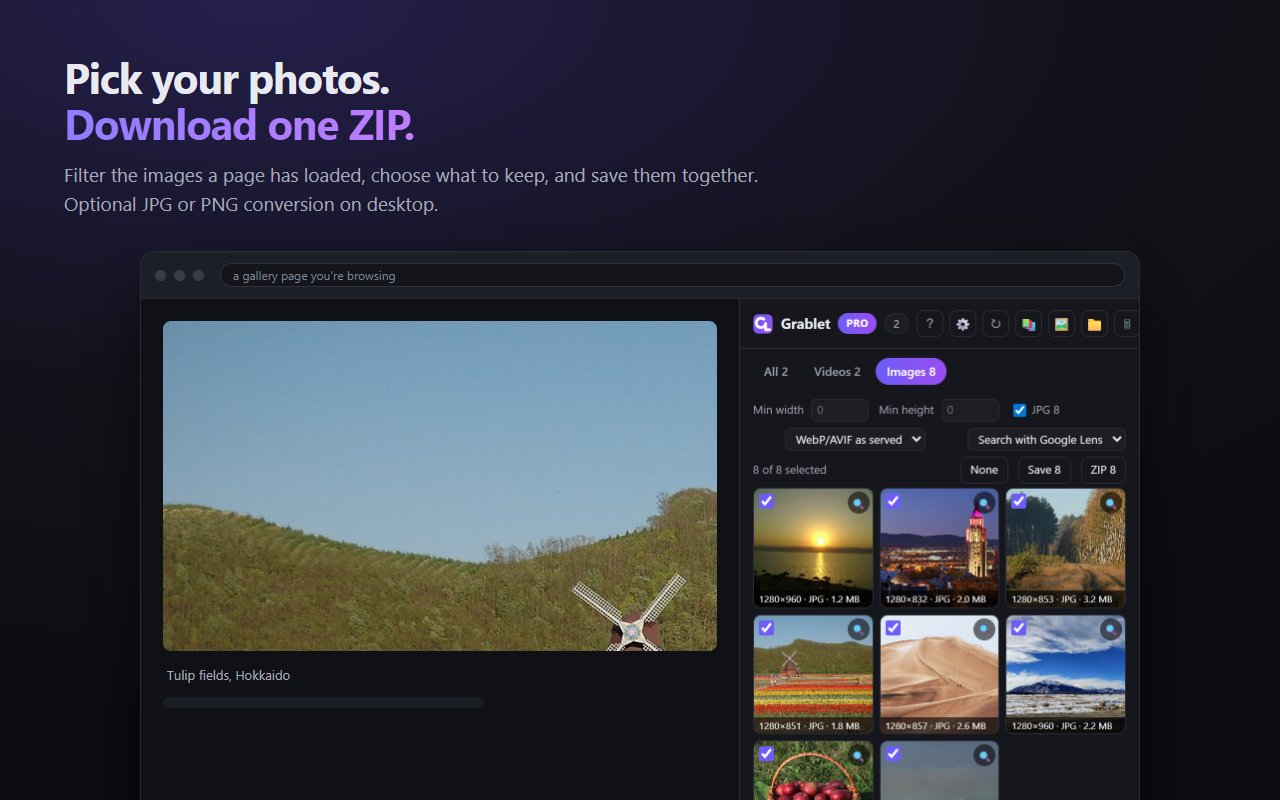
Download an X photo gallery as a ZIP
- Open the photos on XInstall Grablet, open the post, and view each photo you want to keep so the page loads it.
- Choose your imagesOpen Grablet → Images. Select the photos you want and use the size filter to leave out small icons.
- Download the ZIPChoose ZIP, wait for the archive download, then open it from your browser’s Downloads. To save one video, play it and choose Save instead.
Save the quality X makes available
Grablet saves the media your browser can access. Opening a photo can load a larger version; it cannot create detail missing from the source. X’s animated GIF posts are commonly served as MP4 and keep that format.
Grablet does not automatically scroll an account or collect unopened posts. Use your own account to open media you can access.
Before you install
Does it work on Firefox for Android?
Grablet is available on Firefox for Android, but X video and photo saving has known issues being investigated. Check the current support status before relying on this workflow on Android.
Can I save videos from private accounts?
Only media your signed-in browser can access and load. Grablet does not grant access to accounts or posts you cannot view.
Do I need a separate download website?
No. Downloads use your browser session. Your media does not pass through Grablet’s servers.
Your files stay between the source and you
Ordinary downloads go directly to your device. Grablet does not collect your download history or require an account. Uploads happen only when you choose a feature such as saving to your own cloud drive. Read the privacy details.
Grablet does not support YouTube or DRM-protected services. Save only content you have the right to keep.
Try your first save
Install Grablet, then use the sample image to get familiar with saving.